Features
Your whole asset pipeline on one canvas.
Link nodes, pick the AI for each step, and check each result as it is made. Your team and your agents work on the same canvas. All of this works in tabletop today.
- Theo
- Provider
- OpenAI
- Model
- GPT Image 2
- Maya
- Provider
- Tripo
- Type
- Image to model
- Texture model
- v3.5
- Quality
- Detailed
- Rig type
- biped
- Bone naming
- unreal
Placing the bones
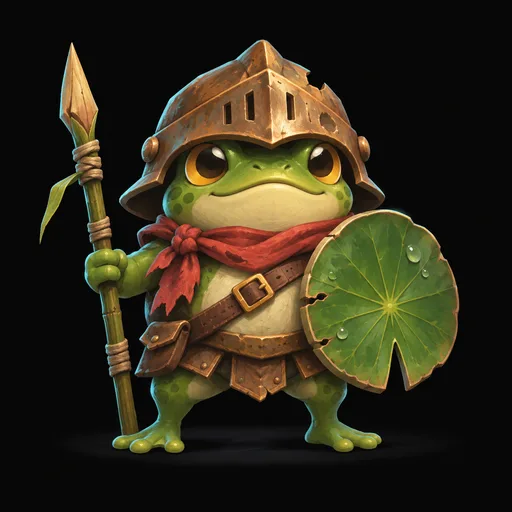
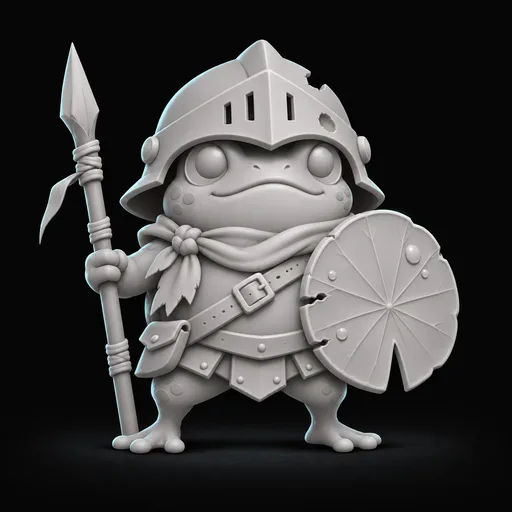
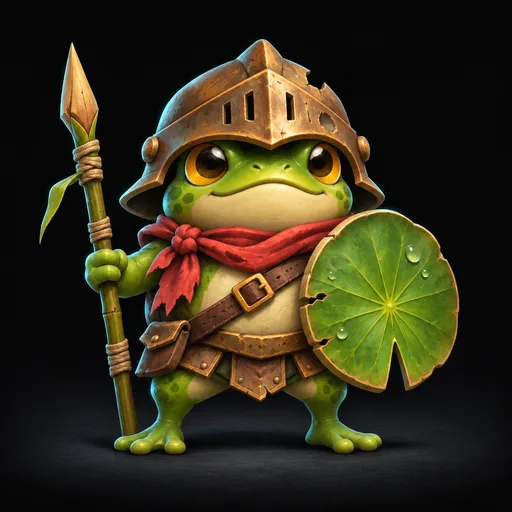
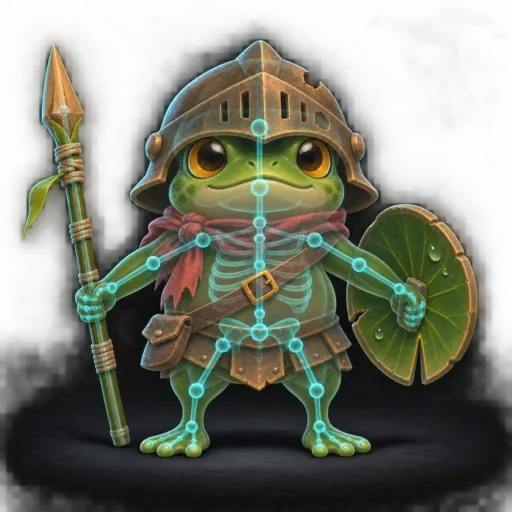
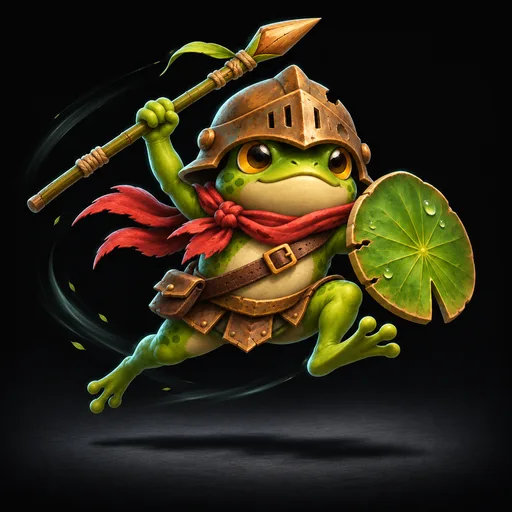
A small frog knight with a dented bronze helmet, a lily-pad shield, a reed spear and a red scarf.
- Theo
- Provider
- OpenAI
- Model
- GPT Image 2
- Quality
- High
- Maya
- Provider
- Tripo
- Type
- Image to model
- Texture model
- v3.5
- Quality
- Detailed
- Rig type
- biped
- Bone naming
- unreal
Placing the bones
Nodes and providers
One node for each task. You pick the AI.
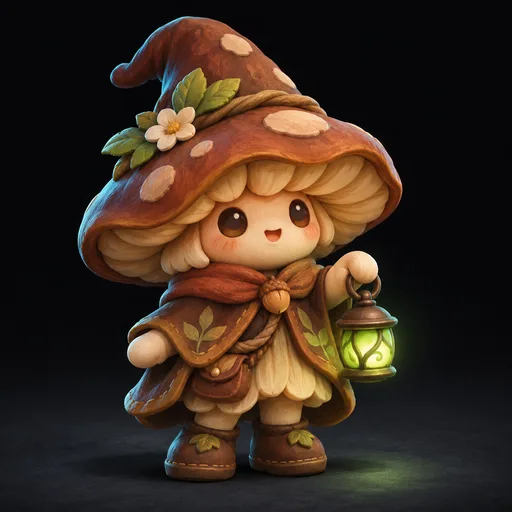
A node does one job, such as Generate Image. Pick the provider that runs it, and change it at any time. Run one prompt on three models and keep the best take.
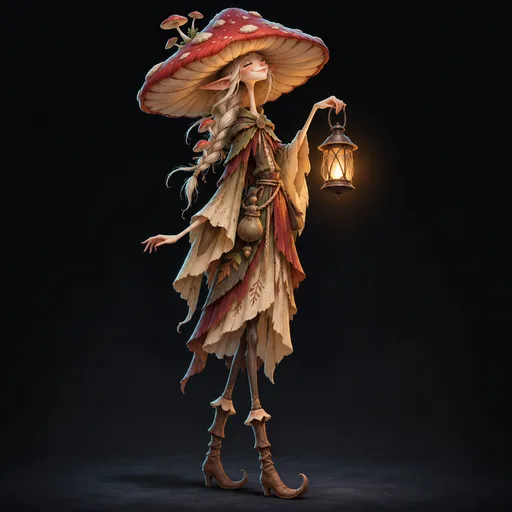
A mushroom witch with a lantern.
- Provider
- OpenAI
- Model
- GPT Image 2
- Provider
- Gemini
- Model
- Nano Banana 2.1
- Provider
- Leonardo
- Model
- FLUX.2 Pro
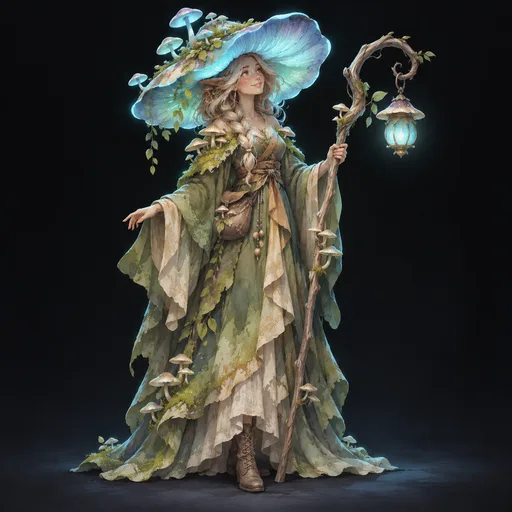
A mushroom witch with a lantern.
- Provider
- OpenAI
- Model
- GPT Image 2
- Provider
- Gemini
- Model
- Nano Banana 2.1
- Provider
- Leonardo
- Model
- FLUX.2 Pro
Images, video, 3D and text
OpenAI, Gemini, Leonardo, Runware, Tripo and Anthropic, side by side on one canvas.
Agents as providers
Claude and Codex agents can make an image, a model or a file in a closed worker.
Tokens or your own key
Pay for each node with tokens, or with a named API key of your org.
3D
From a concept to a model that moves.
Turn an image into a model, paint it, give it a skeleton and add motion. Retarget a preset clip, or let a Blender agent rig the model to a standard skeleton.
Sam4m
Can the frog jump too?

Maya2m
Yes. Retarget Animation takes any clip: run, jump or slash.
- Rig type
- biped
- Bone naming
- unreal
- Animation
- run
Sam4m
Can the frog jump too?
Maya2m
Yes. Retarget Animation takes any clip: run, jump or slash.
- Rig type
- biped
- Bone naming
- unreal
- Animation
- run
Model, texture, rig
Nodes for image to model, textures, rigs, segments, retopology, UVs and engine formats.
Any body
Rig bipeds, quadrupeds, birds, snakes and more, with Unreal, Unity, Mixamo or VRM bone names.
See it move
The model preview turns, plays each clip, and shows wireframe and normals.
2D and sprites
Sprites with clean pixels, from one concept.
Make a clip from an image model or a video model. Then clean it, give all frames one palette and export it to your engine. The sprite nodes use no AI: they cost no tokens and give the same result each time.

Theo1h
Where are the frame steps?
Maya52m
In the group: start frame, motion and clip. Double-click it to open it.
- Provider
- Gemini
- Model
- Nano Banana 2.1
Start Frame
Motion Prompt
Sprite Clip
- Palette
- Auto
- Format
- Godot (SpriteFrames)
Theo1h
Where are the frame steps?
Maya52m
In the group: start frame, motion and clip. Double-click it to open it.
- Provider
- Gemini
- Model
- Nano Banana 2.1
Start Frame
Motion Prompt
Sprite Clip
- Palette
- Auto
- Format
- Godot (SpriteFrames)
Clean frames
Key out the backdrop, hold the feet in place, find the loop, remove halos and redraw each pixel on its grid.
One palette
Limit colors, recolor, outline and dither, and paint single pixels in the Pixel Editor.
Ready for your engine
Export to Godot, Unity, Unreal (Paper2D) or JSON and PNG, with normal maps for 2D light.
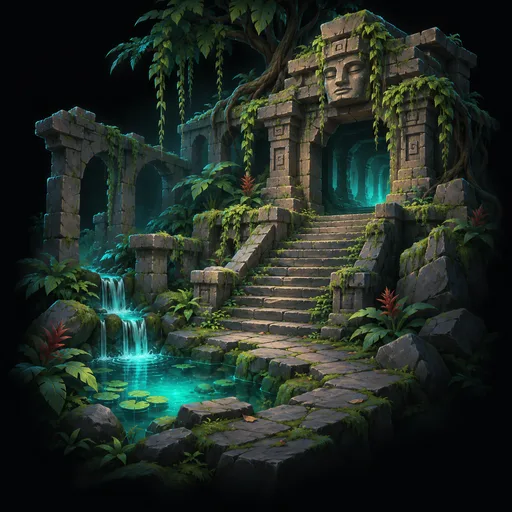
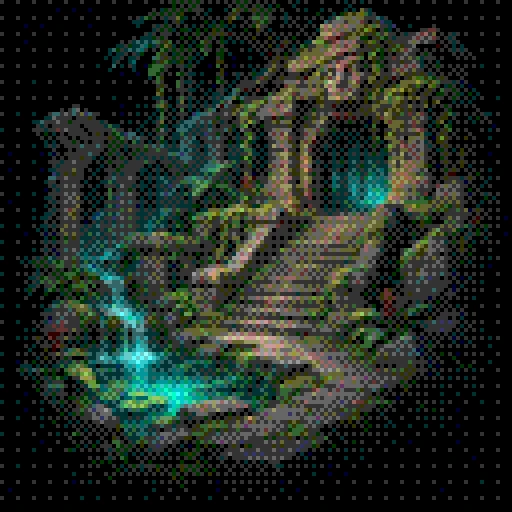
Pixel art from any image or model.
Dither turns a painting into pixel art with one palette. Dither Textures does the same to the textures of a GLB model.
- Provider
- OpenAI
- Color mode
- Auto palette
- Dither
- Bayer 4×4
- Provider
- OpenAI
- Color mode
- Auto palette
- Dither
- Bayer 4×4
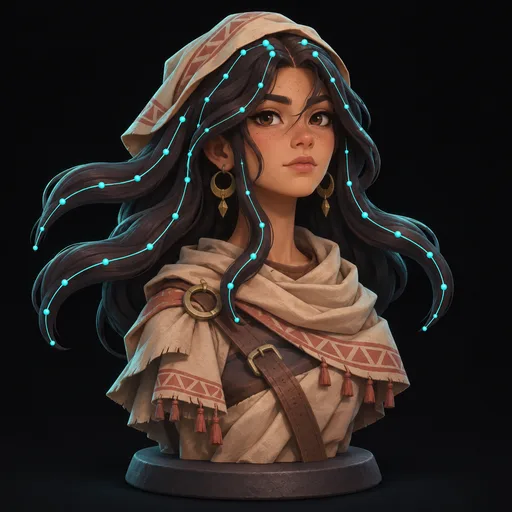
Hair that moves.
Generate Hair makes hair with spring bones. Attach Hair fits it to your rigged character, and the GLB export keeps the springs.
- Variations
- 1
- Spring bones
- on
- Variations
- 1
- Spring bones
- on
Play test
Play it before you ship it.
Link sprites or a model to Play Test and play them in a game world. Check the clips, the scale, the speed and the hair with the keyboard, the mouse or a gamepad.
Four presets
Top-down, side-scroller, billboard and third-person.
Game feel
Set the walk and run speed, the jump height, the gravity and the collider of each preset.
Spring physics
Hair and other spring bones move as they do in your game.
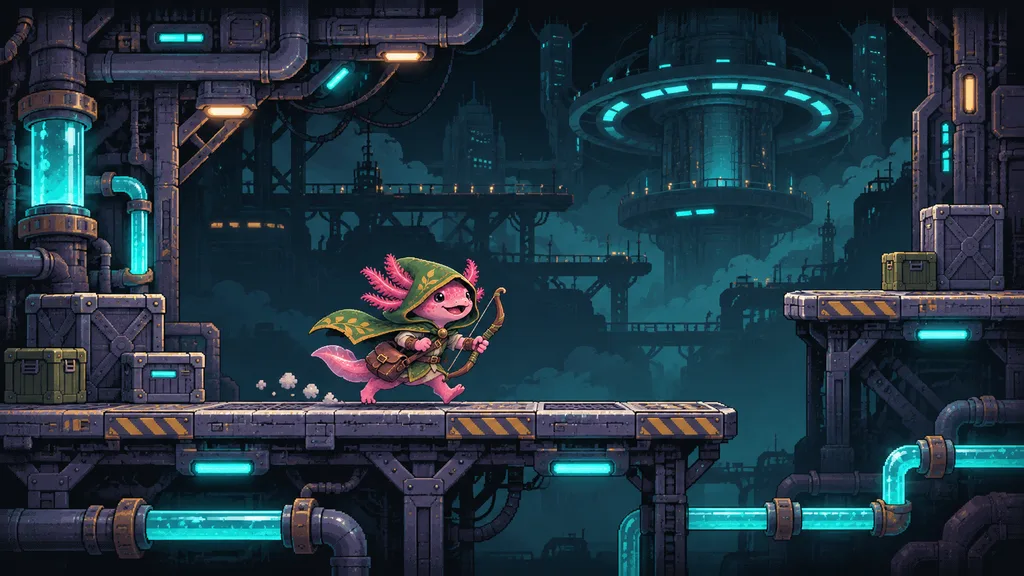 Side-scroller · click to playSide-scroller · click to play
Human in the loop
You approve each step.
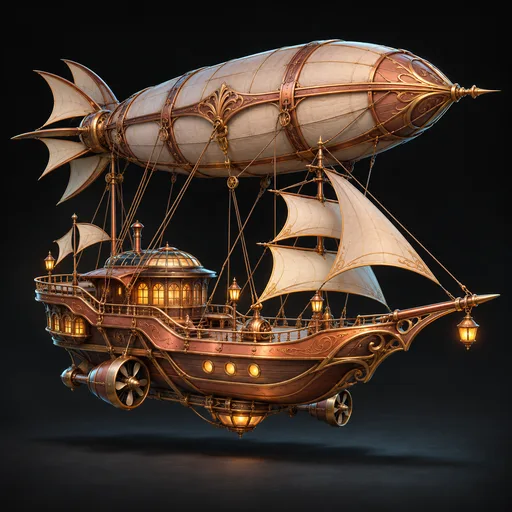
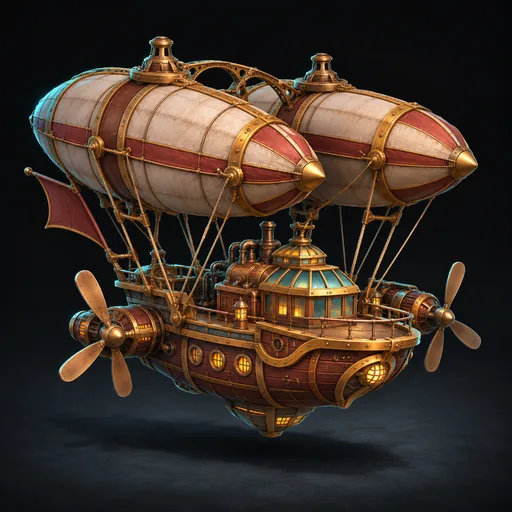
Run step by step and check each result before the next node starts. Each result is kept as a version, so you can go back at any time.
- Provider
- Tripo
- Type
- Text to model
- Quality
- Detailed
Versions
- v3Needs approval · 1:52
 v2Done · 1:47
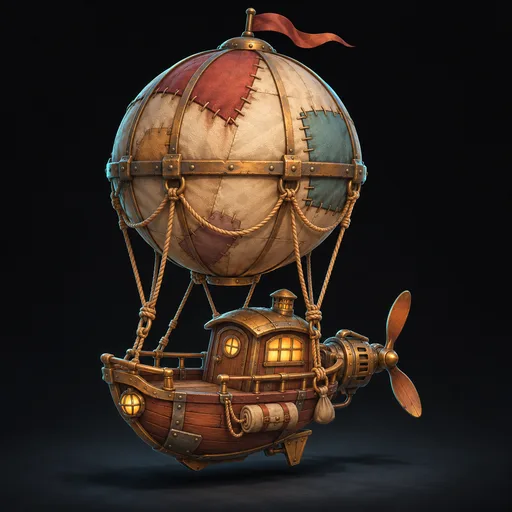 v1Done · 2:03
- Provider
- Tripo
- Type
- Text to model
- Quality
- Detailed
Versions
- v3Needs approval · 1:52
- v2Done · 1:47
- v1Done · 2:03
Step mode
Step pauses after each job. Approve the result, or run the node again.
Versions and locks
Each result is a version. Lock a node to keep a good result when its inputs change.
Run only what changed
A changed node shows Outdated. Select the nodes to run. A node with no change comes from the cache.
Multiplayer
Build it together, live.
Your team edits one canvas at the same time. See each cursor and selection, leave notes on the canvas, and watch runs progress with no reload.

Ren3m
Make the lighthouse taller and keep the warm windows.
Maya1m
On it. Running v3 now.
- Maya
- Provider
- Leonardo
- Size
- 1376×768 (16:9)
Ren3m
Make the lighthouse taller and keep the warm windows.
Maya1m
On it. Running v3 now.
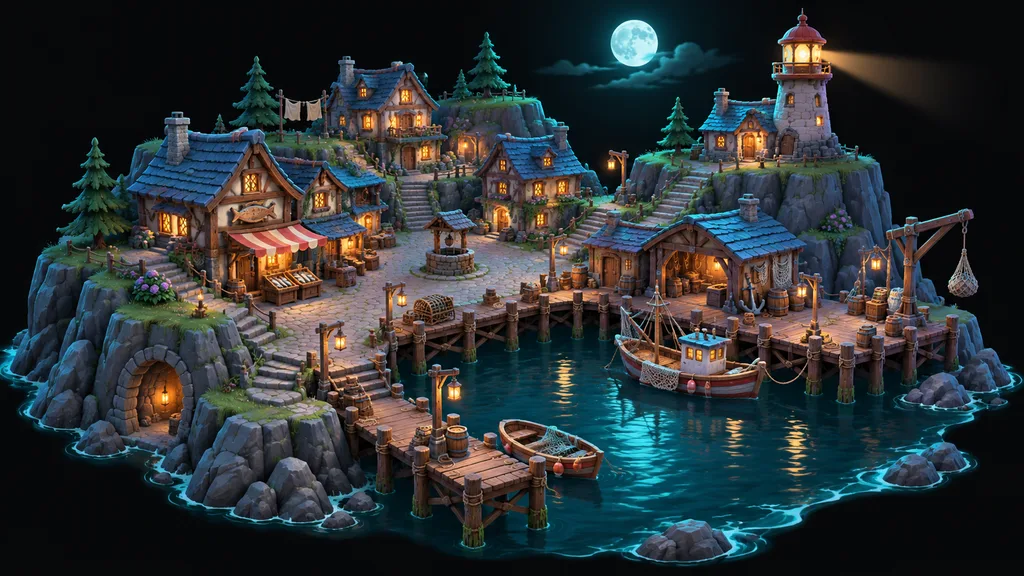
A moonlit harbor town on a rock: wooden piers, a lighthouse, fishing boats, warm windows.
- Maya
- Provider
- Leonardo
- Size
- 1376×768 (16:9)
- Sam
- Provider
- Tripo
- Type
- Image to model
Cursors and presence
See who is on the canvas, where they point and what they select.
Your own undo
Undo takes back your changes, not the changes of your team.
Notes
Talk it over in a thread on the canvas, next to the nodes you mean.
Agents
Your agent drives. You watch the canvas.
Connect Claude Code, Codex or Cursor through MCP, or use the tabletop CLI. The agent builds the workflow, adds notes, gets the cost and starts runs. You see each edit as it happens.
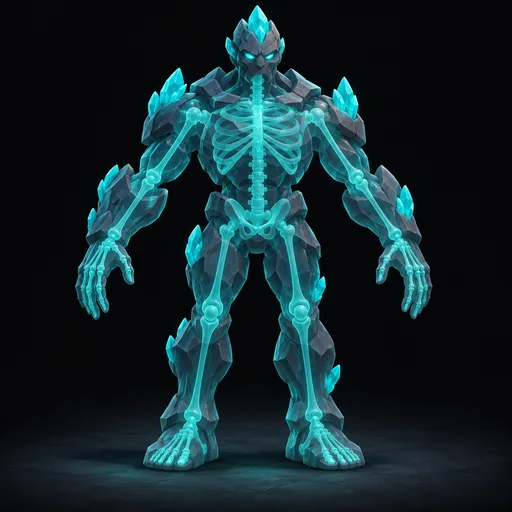
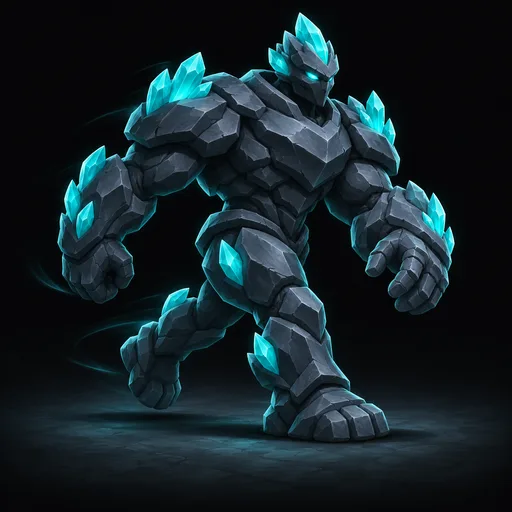
> Make a crystal golem and rig it for Unreal.

tabletop workflows edit-graph
 Added Generate Model, AI Rig Model and a note.
tabletop runs quote
 Up to 96 tokens.
tabletop runs start
 AI Rig Model needs your approval.
MCP and CLI
Each agent action is an MCP tool and a tabletop command. Sign in with OAuth.
Blender agents
AI Rig Model, AI Animation and Attach Hair run an agent with Blender in a closed worker.
Your keys stay yours
An agent never gets a provider key.
Claude Code6m
Step 2: rig the golem to the standard rig. Check the bones, then approve.
Mayanow
Bones look good. Approving.
- Provider
- Tripo
- Type
- Text to model
- Provider
- Agent: Claude
- Model
- Claude Opus 5.5
Claude Code6m
Step 2: rig the golem to the standard rig. Check the bones, then approve.
Mayanow
Bones look good. Approving.
- Provider
- Tripo
- Type
- Text to model
- Provider
- Agent: Claude
- Model
- Claude Opus 5.5
Templates and groups
Make a step once. Use it everywhere.
Turn any node into a template with new defaults and hidden settings. Write prompt templates with fields. Collapse many nodes into one group.
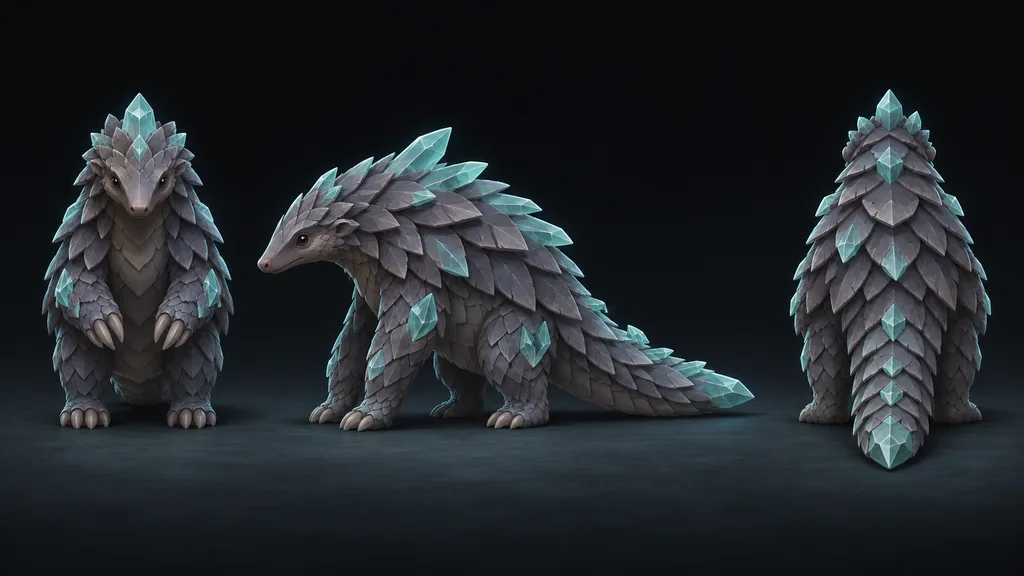
- Creature Type
- pangolin
- Views
- front, side, back
- Provider
- OpenAI
- Size
- 1536x1024
- Text
- A {{creatureType}} creature. Views: {{views}}
- Creature Type
- pangolin
- Views
- front, side, back
- Provider
- OpenAI
- Size
- 1536x1024
Org templates
A change to a template updates each node that uses it, in each workflow of your org.
Prompt fields
Type {{creatureType}} in a prompt template, and each node that uses it gets a field to fill in.
Groups
A group shows only the ports and previews that you pick. Double-click to open it.
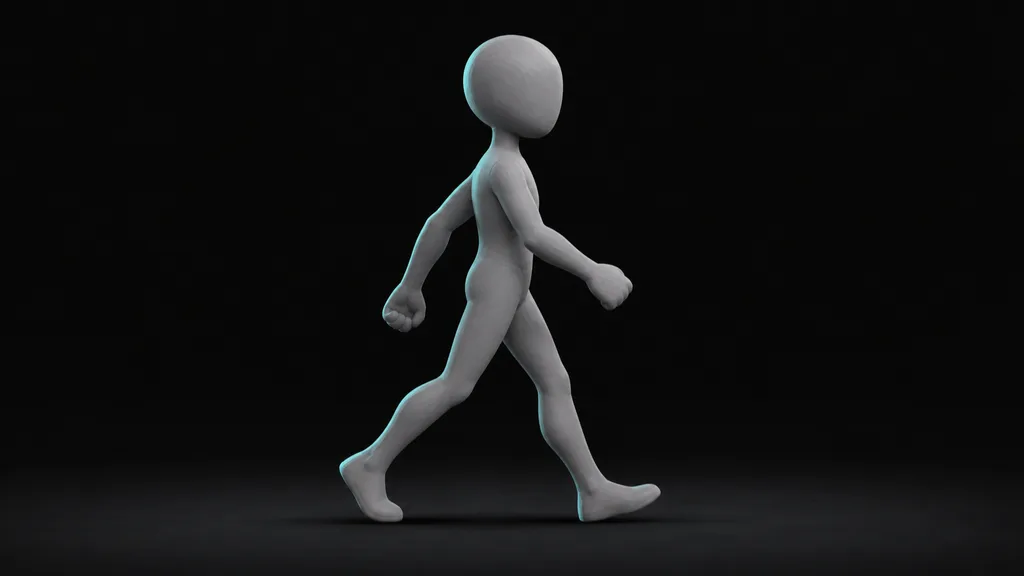
AI Animation
Animate your rig from a video.
Make a video of the motion, or use a video of your own. An agent animates your rigged character to match it. Name the clips, then export them to your engine.
- Provider
- Leonardo
- Model
- Seedance 2.5
- Provider
- Agent: Claude
- Model
- Claude Opus 5.5
- Provider
- Agent: Claude
- Instructions
- One clip named walk
- Format
- FBX (.fbx)
The golem walks forward in a heavy loop, seen from the side, full body in frame.
- Provider
- Leonardo
- Model
- Seedance 2.5
- Provider
- Agent: Claude
- Model
- Claude Opus 5.5
- Provider
- Agent: Claude
- Instructions
- One clip named walk
- Format
- FBX (.fbx)
From any video
Generate Video shows your character in the motion. Or link a video file that you have.
Clips you name
Write the clips in Instructions, such as walk, idle and wave.
Ready for your engine
Export Model writes an FBX file for Unreal, Unity or Godot.
And more
The rest of the table.
Workflows page
The workflows of all your orgs in one place, each with a screenshot of its canvas.
Starter workflows
Start from a ready workflow, then change it to fit your game.
Asset library
Each result goes to your library. Load it into any workflow with one node.
A preview for each file
Images, video, sprites and 3D models, with file info and sharp views of pixel art.
Safe runs
A queue runs each node with limits and retries. A crash never starts a paid job two times.
Tokens or your own keys
Pay with tokens, or with named provider keys of your org, sealed with AES-256-GCM.
Cost before you run
The toolbar shows the most tokens that a run of the selected nodes can use.
Sign in your way
Sign in with email, Google or GitHub. Your team shares one org.
FAQ
Questions about the features
How does a tabletop workflow work?+
A workflow is a canvas of nodes. Each node does one job, such as Generate Image, and links carry its result to the next node. Select the nodes you want and press Run: tabletop runs them in order and shows each result as it is made.
Can tabletop rig and animate 3D models?+
Yes. Turn an image into a model, texture it, and give it a skeleton with Rig Model or AI Rig Model. Then retarget a preset clip, such as run or jump. Or use AI Animation: an agent animates the rig to match a video of the motion.
Can tabletop make pixel art sprites?+
Yes. Make a clip with an image model or a video model. Then clean the frames, give them one palette and export them to Godot, Unity or Unreal (Paper2D). The sprite nodes use no AI, so they cost no tokens and give the same result each time.
Can I try my assets in a game before I export them?+
Yes. The Play Test node lets you play your sprites and models in game presets, such as a side-scroller, right on the canvas.
Can my team work on the same canvas?+
Yes. Your team edits one canvas at the same time. You see each cursor and selection. Undo takes back only your own changes, and runs update live with no reload.
Can Claude Code or Codex build workflows in tabletop?+
Yes. Connect Claude Code, Codex or Cursor through MCP, or use the tabletop CLI. The agent builds the workflow, adds notes, gets the cost and starts runs. Steps that need approval wait for you.
Can I use my own API keys?+
Yes. Add named provider keys to your org. tabletop seals each key with AES-256-GCM. A run that uses your key uses no tokens.
Pull up a chair.
Start on the free plan. Your first workflow is one prompt away.