3D
AI 3D levels and game worlds
Build 3D game levels, maps and environments with AI in tabletop: buildings, terrain pieces and modular kits that share one look.
By STUDIO D8 ·
3D
Build 3D game levels, maps and environments with AI in tabletop: buildings, terrain pieces and modular kits that share one look.
By STUDIO D8 ·
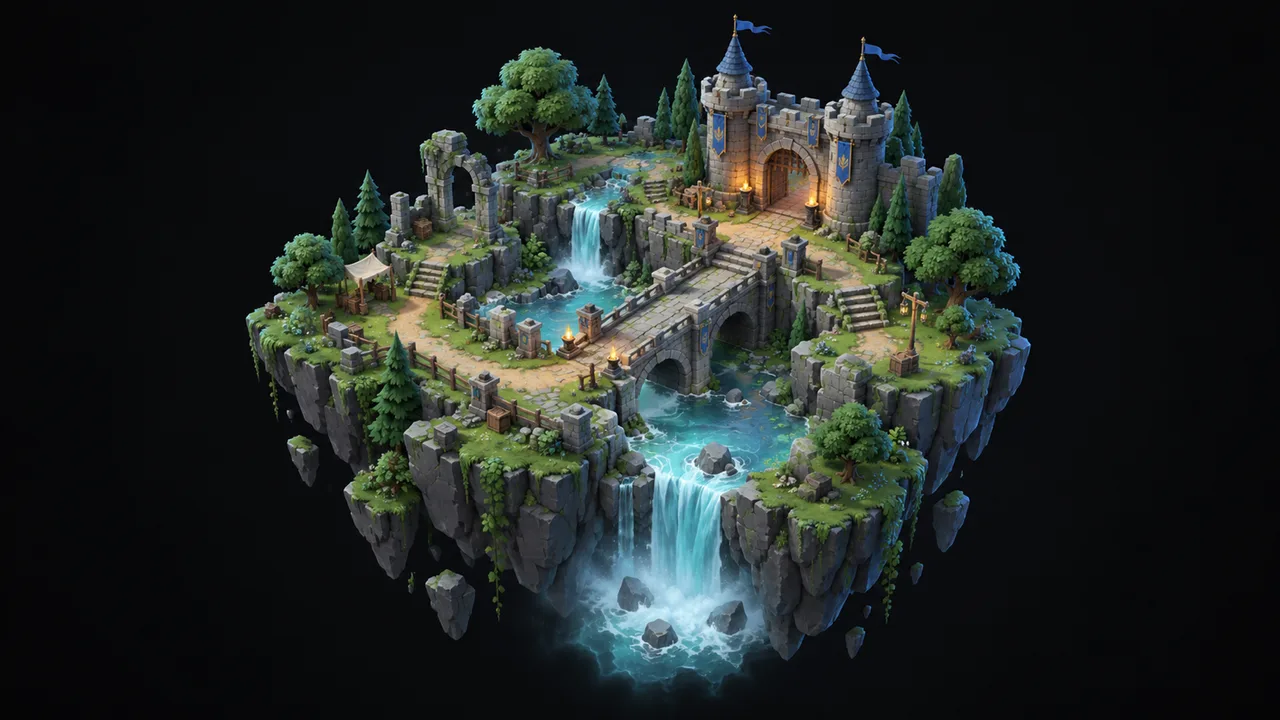
tabletop helps you fill 3D game worlds fast: buildings, terrain pieces, ruins, bridges and full modular kits that snap together into levels and maps. Describe the place, and tabletop makes the pieces in one consistent style.
A level needs dozens or hundreds of pieces that must look like they belong together. Making them one by one is slow, and mixing packs from different artists breaks the look. With tabletop you set the style once and make each piece from it, so a new area takes days instead of weeks.
Describe the setting, or start from a piece of concept art for the area.
Make the pieces the level needs, all in the same style.
Turn every model around in the preview and redo the ones that miss.
Take the kit into your engine and lay out the map.
tabletop makes the pieces a level is built from, in one style. You stay in charge of the layout, so the map plays the way you want.
Yes. Give tabletop examples of your art and it makes new pieces that fit with them.
No. Sci-fi stations, modern cities, cozy farms and anything else work the same way.
Describe it, watch it take shape, and keep what you love.
Sign up now