On this page
This month, tabletop got a game world of its own. Now you can play your character on the canvas, before it goes into your game. Hair moves on springs, sprites come out cleaner, and any image can become pixel art. Here is what is new.
Play Test: play it before you ship it
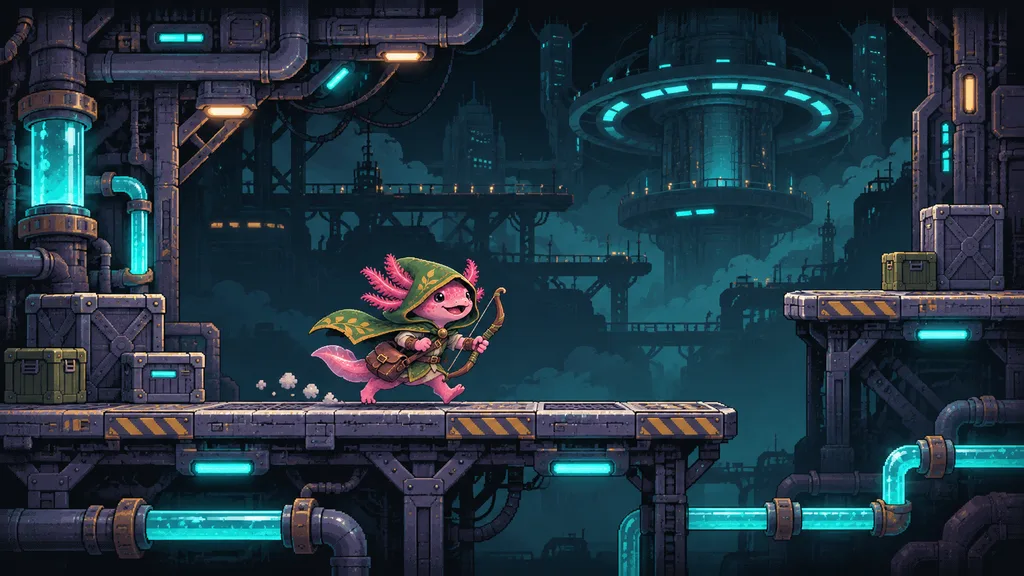
A sprite sheet or a turntable does not tell you how a character feels in a game. Now you can find out in one node. Link your sprites or your model to Play Test, open the preview full screen, and play.
 Side-scroller · click to playSide-scroller · click to play
Pick one of four presets:
| Preset | What you play |
|---|---|
| Top-down (2D) | Your sprite, seen from above. |
| Side-scroller (2D) | Your sprite runs and jumps, seen from the side. |
| Billboard (2D in 3D) | Your sprite in a 3D world. It turns to the camera. |
| Third-person (3D) | Your model walks, runs and jumps. The camera follows it. |
Play with the keyboard, the mouse or a gamepad. Pick a world: woodlands, sci-fi or an empty grid. Then set the walk speed, the run speed, the jump height and the gravity until the character feels right. If a clip is missing, the preview tells you which one.
Hair that moves
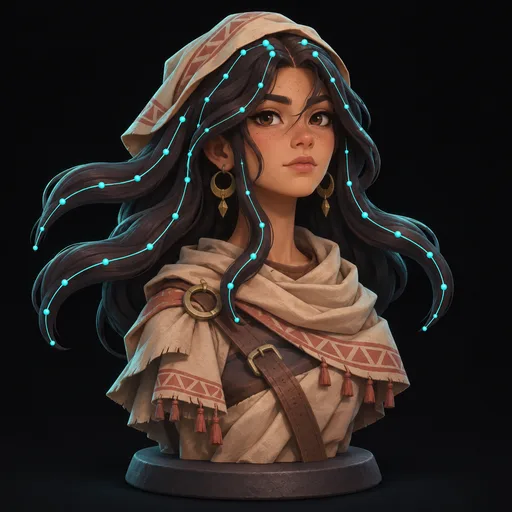
Long hair, braids and ponytails now swing as your character moves. Generate Hair makes stylized hair from one image of your character, with spring bones in it. Attach Hair fits the hair to your rigged character. The GLB export keeps the springs, so the hair moves in your game as it moves in the preview.
- Variations
- 1
- Spring bones
- on
- Variations
- 1
- Spring bones
- on
Play Test plays the springs too. Run, jump and stop, and watch the hair follow.
Cleaner sprites
Frames from an image model or a video model are never quite still. The character slides by a pixel, the feet drift and the size changes from frame to frame. Four new nodes fix that:
- Stabilize holds a group of pixels on one spot over all frames, such as a planted foot. The frames stop sliding.
- Slice Sheet cuts a sprite sheet into frames. Set the columns and rows, or let it find each figure.
- Fit Frames gives all frames one size, such as 256 × 256. The frames of a clip move together, so the motion stays the same.
- Crop Image cuts a box out of each image. Draw the box on the image, or type its size.
Then fix the last details by hand. Pixel Editor lets you paint single pixels, one frame at a time. Your edits stay with the node, so a new run keeps them.

Theo1h
Where are the frame steps?

Maya52m
In the group: start frame, motion and clip. Double-click it to open it.
- Provider
- Gemini
- Model
- Nano Banana 2.1

Start Frame
Motion Prompt
Sprite Clip
- Palette
- Auto
- Format
- Godot (SpriteFrames)
Theo1h
Where are the frame steps?
Maya52m
In the group: start frame, motion and clip. Double-click it to open it.
- Provider
- Gemini
- Model
- Nano Banana 2.1
Start Frame
Motion Prompt
Sprite Clip
- Palette
- Auto
- Format
- Godot (SpriteFrames)
The sprite nodes use no AI. They cost no tokens and give the same result each time.
Pixel art from any image
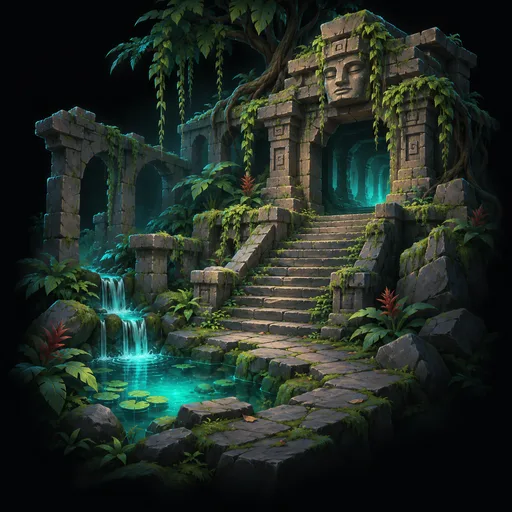
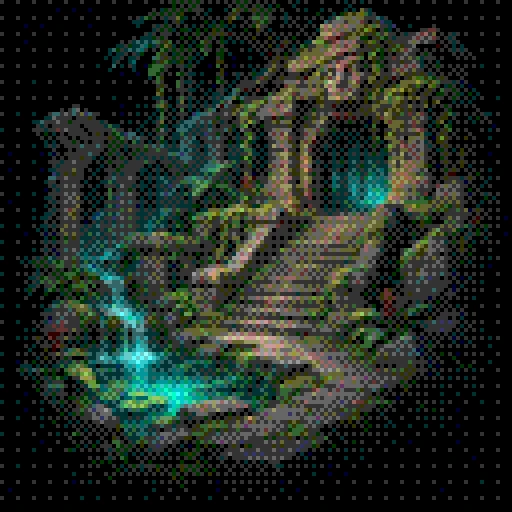
Dither turns a painting, a clip or a whole sprite into pixel art with one palette. Dither Textures does the same to the textures of a 3D model. Now a model can have the same retro look as your sprites.
- Provider
- OpenAI
- Color mode
- Auto palette
- Dither
- Bayer 4×4
- Provider
- OpenAI
- Color mode
- Auto palette
- Dither
- Bayer 4×4
AI Animation: animate your rig from a video
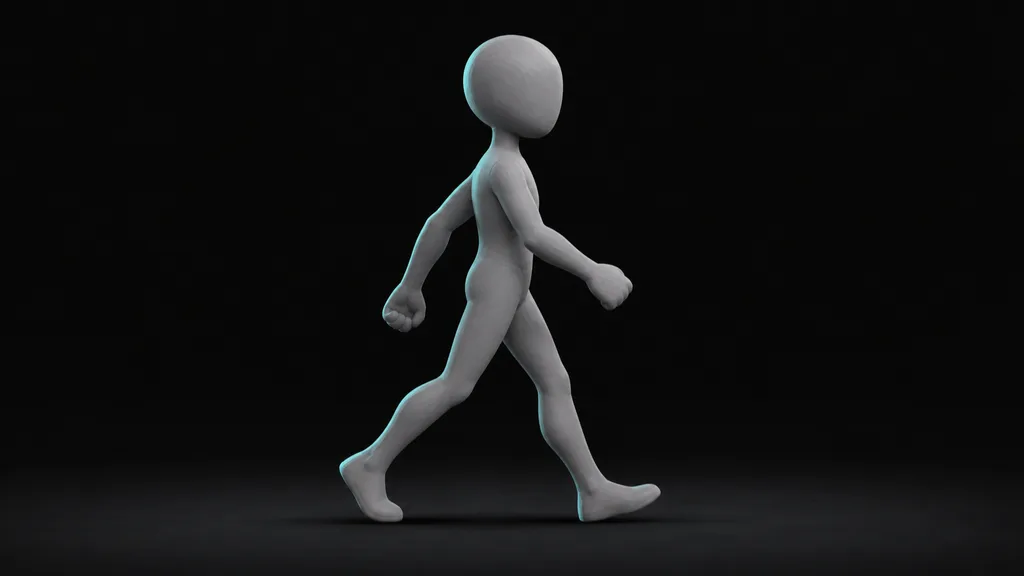
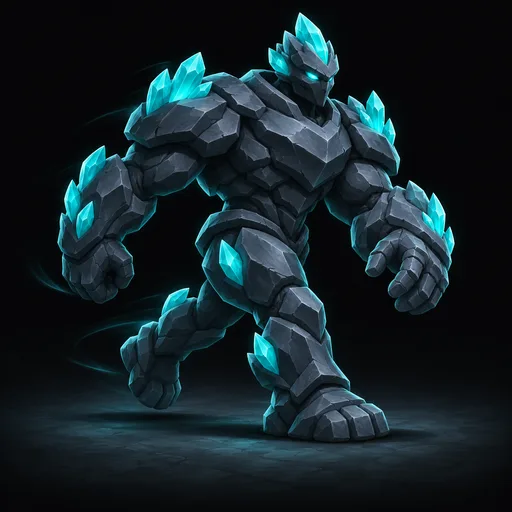
Make a video of the motion, or use a video that you have. An agent then animates your rigged character to match it. Write the clips that you want in Instructions, such as walk, idle and wave. Each clip becomes one animation of the model. Export Model writes an FBX file for Unreal, Unity or Godot.
- Provider
- Leonardo
- Model
- Seedance 2.5
- Provider
- Agent: Claude
- Model
- Claude Opus 5.5
- Provider
- Agent: Claude
- Instructions
- One clip named walk
- Format
- FBX (.fbx)
The golem walks forward in a heavy loop, seen from the side, full body in frame.
- Provider
- Leonardo
- Model
- Seedance 2.5
- Provider
- Agent: Claude
- Model
- Claude Opus 5.5
- Provider
- Agent: Claude
- Instructions
- One clip named walk
- Format
- FBX (.fbx)
To start, open the Rig and animate template on the Workflows page. The guide Animate a character from a video shows each step.
Templates on the Workflows page
The new Workflows page shows all the workflows of your org in one place. Below them, Templates gives you ready workflows, such as Sprite from an image model, Sprite from a video model and Rig and animate. Click a template, and tabletop copies it into your org with its results. You see what it makes before you spend a token.
More for video
- Generate Video has a new provider: Runware, with four more video models.
- Resize Video makes a video smaller, so it fits the limits of the next node.
- Extract Frames takes frames from a video as images. Link them to a sprite clip, or use them as references.
- The new Filter setting picks how previews and resize nodes scale: Smooth for painted art, Nearest for sharp pixel art.
Small things that make a big difference
- Notes on the canvas. Talk it over in a thread, next to the nodes you mean.
- Run only what you select. Select some nodes and click Run. The other nodes do not change.
- A grid over previews. Count the pixels of an image, a video or a sprite.
- File info in previews. See the details of a model file next to the preview, with the playback bar in reach.
- Sign in with Google or GitHub. One click, and you are on the canvas.
Tell us what to build next
We read every message on our Discord. Show us what you make, and tell us what you want next. To try the new nodes, open tabletop in your browser.